The useful result
Understand one function well enough to predict its output for a sample input and confirm it by running the code.
- Understand one function well enough to predict its output for a sample input and confirm it by running the code.
Changing code you do not understand is how small edits turn into bugs. This lesson asks AI to explain one function, make a prediction you can test, and only then discuss a change.
It suits beginners and non-specialists inheriting a script. Use a snippet that contains no passwords, keys or customer data.
Reviewed on 10 October 2026. Expected outputs here are illustrative rather than captured AI runs. Account features, limits and wording can differ; keep your original inputs and verify the result before using it.
Before you start
- One short function from a project you may share
- A way to run it locally, such as a terminal or an online playground
Review evidence
Documentation-based review · 2026-10-10
Sources checked on the review date; exercise prompts and expected outputs are original illustrative teaching material.
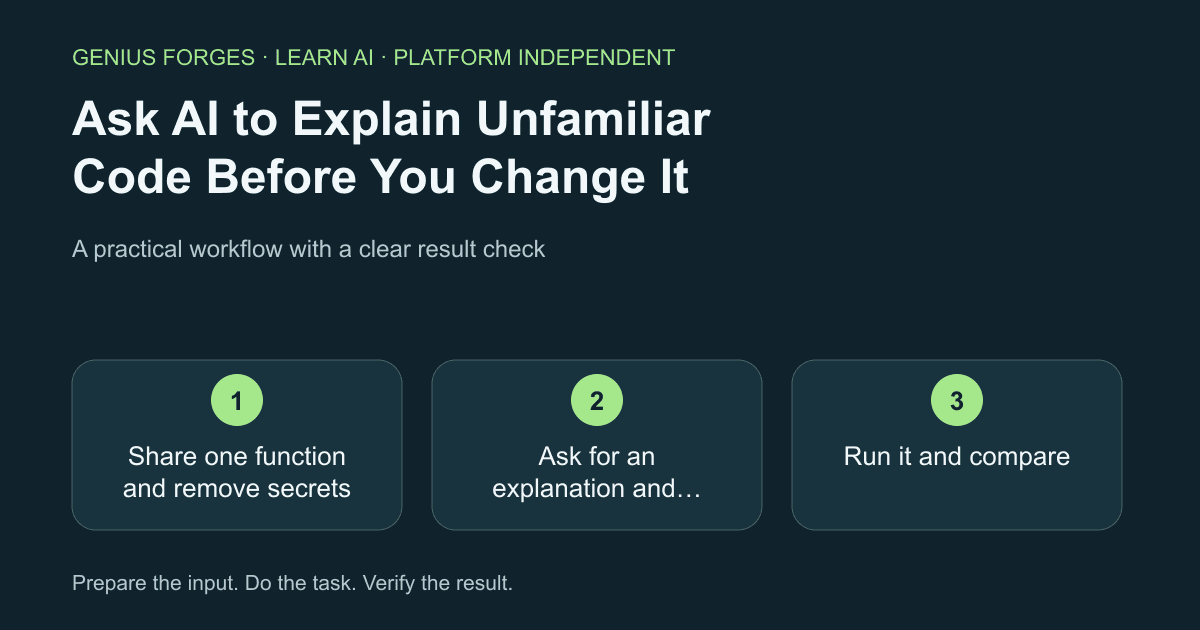
Share one function and remove secrets
Copy a single function, not the whole project. Remove passwords, tokens, URLs with keys and personal data. Add one sentence about what you think the function is for.
Check your result
The snippet contains no secrets and fits in one screen.
Ask for an explanation and a prediction
Request a line-by-line explanation in plain language, the inputs and outputs, and a prediction for one small sample input. Ask it to list anything that depends on code you did not share.
Explain this function for a beginner: what it takes, what it returns, and what each block does. Then predict the exact output for this input: [sample input]. List anything you cannot know because it depends on code I did not paste.

[function]
Example / expected result
Illustrative example (not a recorded model result): Predicted output for input [3, 5]: 8. Unknown: the helper function round_up is not shown.
Check your result
The explanation names every input and output of the function.
Run it and compare
Run the function with the sample input and compare the real output with the prediction. If they differ, tell the AI the actual result and ask what it misread. Only after they match should you ask about a change, and then ask for the smallest possible edit.
The real output was [result], not [prediction]. What did you misread? Explain using the code.Check your result
The real output matches the prediction, or you understand why it did not.
When it goes wrong
AI can describe what code is meant to do rather than what it actually does, so running it is the test. Shared snippets are sent to a service; check your employer's or client's rules before pasting code. Do not edit production code on an AI suggestion without tests and version control.
Make it your own
Pick a function from an old project. Explain, predict, run, and write down one behaviour that surprised you.
Useful next resources
Sources and review
- Anthropic: effective prompting techniques
- OpenAI: prompt engineering guide
- GitHub Docs: asking Copilot questions in your IDE
Last checked Oct 10, 2026. Features and account limits can change. Verify important results against your original material.
Did this help you complete your task?
Tell us what needs improving. No account or private output required.
Report incorrect information or a broken linkGenius Forges Editorial
Practical, documentation-reviewed AI exercises with explicit examples and independent result checks. Examples are illustrative unless a live test is explicitly documented.


