The useful result
Produce an action-item table in which every owner and due date can be matched to a line in your notes, with unknowns listed separately.
- Produce an action-item table in which every owner and due date can be matched to a line in your notes, with unknowns listed separately.
Meeting summaries often read well and still assign a task to the wrong person or invent a deadline. This lesson turns your own notes into an action table where each row points back to the line it came from, and anything missing is marked as a question.
It works with any chatbot that accepts pasted text. Use notes you are allowed to share and remove private details first.
Reviewed on 10 October 2026. Expected outputs here are illustrative rather than captured AI runs. Account features, limits and wording can differ; keep your original inputs and verify the result before using it.
Before you start
- Rough notes or a transcript from a meeting you attended
- Any AI chatbot that accepts pasted text
Review evidence
Documentation-based review · 2026-10-10
Sources checked on the review date; exercise prompts and expected outputs are original illustrative teaching material.
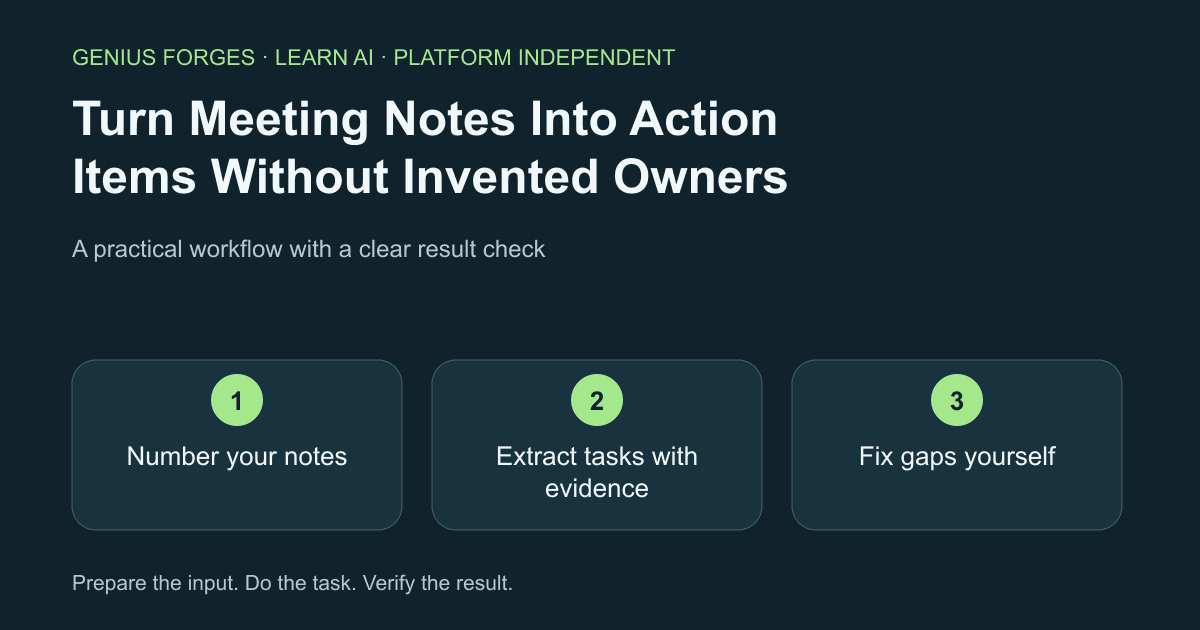
Number your notes
Paste the notes into a document and number each line or paragraph. Remove names or details you should not share. Numbering gives every later claim something to point at.
Example / expected result
Illustrative example (not a recorded model result): Line 4: "Priya to send the revised quote." Line 7: "Need to decide on venue." Line 9: "Follow up next week."
Check your result
Every line has a number and no confidential detail remains.
Extract tasks with evidence
Ask for a table that quotes the supporting line number for each task. Tell the AI to write "not stated" for a missing owner or date rather than guess. Decisions that were never made belong in a separate list.
Use only the numbered notes below. Return a table: task | owner | due date | supporting line number. If an owner or date is not stated, write "not stated". Then list unresolved questions separately. Do not add tasks that are not in the notes.

[paste numbered notes]
Example / expected result
Illustrative example (not a recorded model result): Row: send revised quote | Priya | not stated | line 4. Unresolved: venue decision (line 7); "next week" has no named owner (line 9).
Check your result
Pick any three rows and open the cited line. Each task, owner and date must appear there.
Fix gaps yourself
Fill the "not stated" cells by asking the people involved, not the AI. Convert vague phrases such as "next week" into a real date only after someone confirms it. Then ask the AI to produce a short follow-up message from the confirmed rows only.
Using only these confirmed rows, write a five-line follow-up message listing task, owner and date. Do not add anything else.Check your result
The message has no owner or date that is absent from your confirmed table.
When it goes wrong
A transcript with unclear speakers can attach a task to the wrong person; check names against the audio or your memory. "Next week" depends on the meeting date. AI may merge two similar tasks or drop a quiet one, so count the tasks in your notes yourself. Do not paste confidential meetings into a tool your organisation does not allow.
Make it your own
Take notes from a real or role-played ten-minute meeting. Run the three steps, then count how many rows had "not stated" and ask the owners to resolve them.
Useful next resources
Sources and review
Last checked Oct 10, 2026. Features and account limits can change. Verify important results against your original material.
Did this help you complete your task?
Tell us what needs improving. No account or private output required.
Report incorrect information or a broken linkGenius Forges Editorial
Practical, documentation-reviewed AI exercises with explicit examples and independent result checks. Examples are illustrative unless a live test is explicitly documented.


