Verified· Oct 2026
Workspace for building AI-powered apps, agent teams, and automated business processes.
Best for: AI app building and Agent teams
Productivity & Automation
About this listing
Official documentation reviewed; examples are illustrative. No hands-on performance claim.
Official sourceMotion combines task, project and calendar planning with AI scheduling and work tools.
Best suited to
AI task scheduling and team work planning
Motion combines task, project and calendar planning with AI scheduling and work tools. It suits people who need to fit dated tasks around existing meetings and then review the resulting schedule.
Best for: AI task scheduling and team work planning.
Illustrative input: Plan a 60-minute mockup, 30-minute review and 45-minute report around a fixed 14:00 meeting.
Illustrative expected result: A feasible task plan that keeps the fixed meeting and makes any deadline conflict visible. This is an editorial example, not a recorded vendor test. Check it against your original material before using it.
Motion is paid with trial access. The live pricing page varies by plan and billing period; no continuing free plan is confirmed. Check selected seat count and cadence before subscribing.
A schedule is only as useful as its task durations and constraints. Start with the smallest useful task; keep the original input and compare the result before committing to a larger workflow.
Taskade: organise tasks and agents in a shared workspace. Notion AI: manage project notes alongside tasks.
Reviewed 9 October 2026 against official product documentation and official pricing / access terms. Feature access and prices can change; the linked provider terms govern your account.
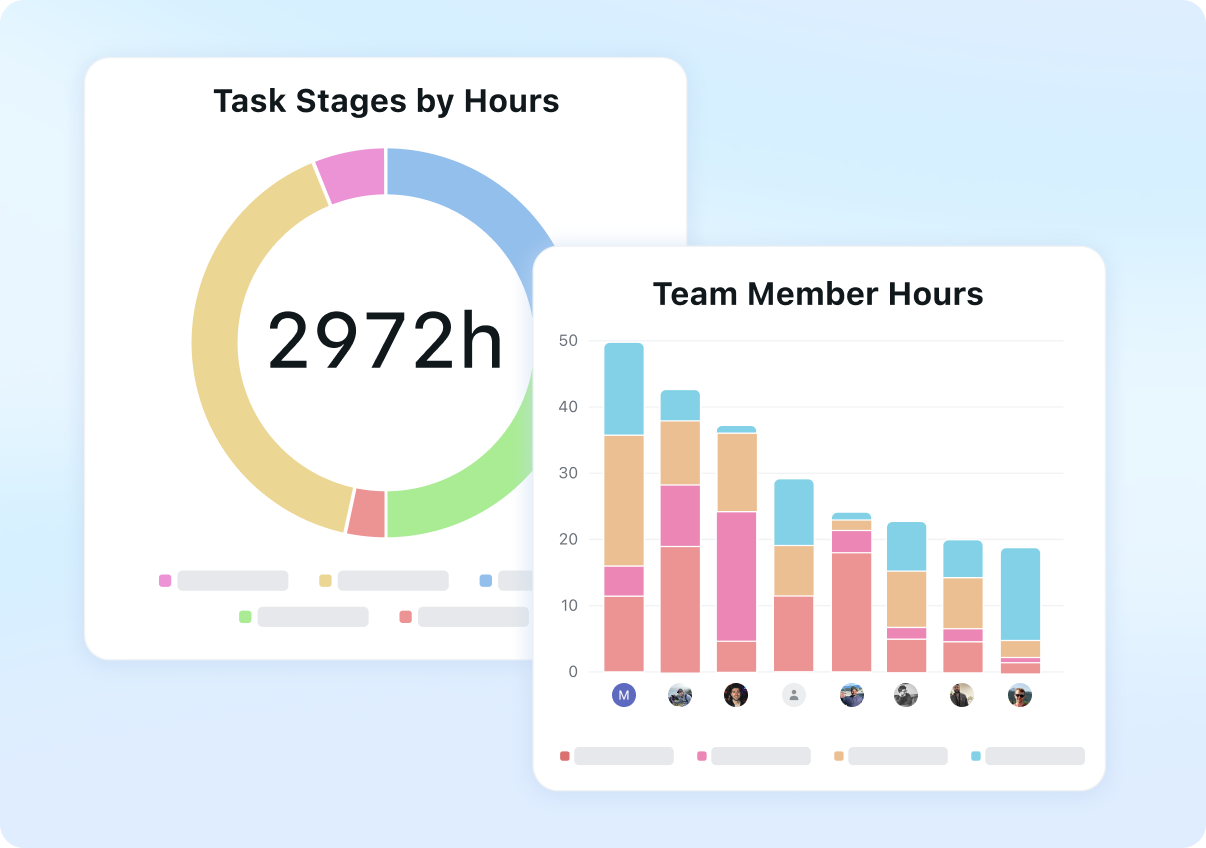
AI task scheduling
Calendar planning
Project tasks
Priority settings
Deadline management
Team work planning
AI work tools
Motion is paid with trial access. The live pricing page varies by plan and billing period; no continuing free plan is confirmed. Check selected seat count and cadence before subscribing.
Plan information can change. Prices and conditions are set by the provider. Information checked 2026-10-09.
Source for access detailsOne email a week: new free AI tools, prompts and free-plan changes. No spam, unsubscribe any time.
By subscribing you agree to receive this email from Genius Forges and to us storing your address to send it. We may ask you to confirm by email. Every email has an unsubscribe link. See our privacy policy.
Motion combines task, project and calendar planning with AI scheduling and work tools. It suits people who need to fit dated tasks around existing meetings and then review the resulting schedule.
Motion is paid with trial access. The live pricing page varies by plan and billing period; no continuing free plan is confirmed. Check selected seat count and cadence before subscribing.
Add three fictional tasks with realistic durations Connect a test calendar with two fixed meetings Generate a plan for the next workday Check lunch, working hours and deadlines before accepting changes
A schedule is only as useful as its task durations and constraints Paid plans and seat requirements must be checked for your team
Taskade: organise tasks and agents in a shared workspace. Notion AI: manage project notes alongside tasks.
Tell us what needs improving. No account or private output required.
Report incorrect information or a broken linkDocumentation-based review · 2026-10-09
Original editorial guidance based on linked official sources; sample inputs and outputs are illustrative.
Prompt
Prompt
Prompt
Learn AI
Learn AI
Playbook
Workspace for building AI-powered apps, agent teams, and automated business processes.
Best for: AI app building and Agent teams
AI features inside Notion for writing, search, meeting notes, agents, and connected workspace tasks.
Best for: AI assistance grounded in a Notion workspace
AI strategic-intelligence briefs and dashboards from a library of 90 templates, with a free plan and paid plans from $50 a month.
Best for: Korim is for executives, strategy consultants, investors and research teams who want a structured brief on a market, country or opportunity instead of a pile of search results.